
Holafly eSIM Review for Vegan Travelers: Unlimited Data, Setup and Caveats
Review note: This is an evidence-led review of Holafly’s published terms and setup guidance, not a claim of a personal network test in every destination. Recheck the destination page, device rules, fair-use wording, hotspot allowance, and refund policy before buying.
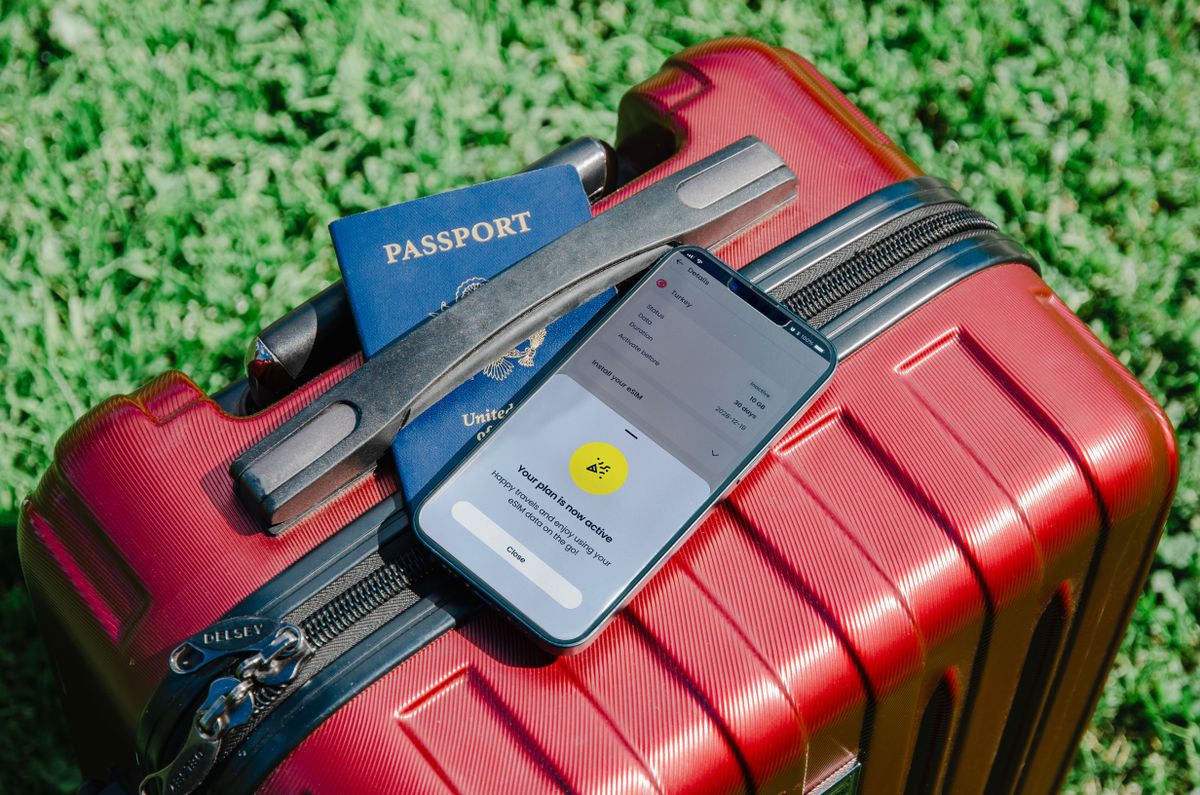
Updated 24 October 2026. Holafly terms, destination coverage, hotspot limits, and refund conditions can change, so recheck the official plan page before purchase. Featured photo: Pexels.
What you’ll find in this review: the verdict, phone and purchase checks, setup steps, coverage and hotspot caveats, refund and support boundaries, and a failure plan.
Make the decision before you pay
Check your phone
Confirm eSIM support and carrier-unlock status before you buy. A compatible model is not enough if the phone is locked.
Read the exact plan
Verify destination coverage, plan length, fair-use wording, calling limits, and the hotspot allowance on the plan you will actually purchase.
Save the recovery plan
Keep the order email, QR or manual details, support route, and refund terms offline before you leave reliable Wi-Fi.
Is Holafly worth it for vegan travelers?
Answer: Holafly is worth considering when you value convenience over finding the lowest possible data price, need data immediately on arrival, and will use maps, translation, booking apps, or restaurant research throughout the trip. It is less compelling if you need a local phone number, heavy unlimited hotspot use, guaranteed speed, or a plan that works identically in every country.
The practical question is not simply “is Holafly good?” It is whether the destination plan matches your device, route, usage, and backup needs. Holafly’s official pages describe 200+ destinations, app or email installation, activation on arrival, and unlimited-data options, while separate plan pages explain that speed management and hotspot allowances can still apply.
| Holafly makes sense when | Reconsider when | Verify before paying |
|---|---|---|
| You want simple prepaid data | You need the absolute lowest price | Exact destination plan and days |
| You need maps and food research on arrival | You need regular calls or SMS | Phone number and calling terms |
| You use one phone mostly for personal data | You need unlimited laptop hotspot | Hotspot allowance and fair-use text |
| You can install before flying | Your phone may be locked or incompatible | Compatibility, unlock, and refund rules |
What does Holafly actually sell?
Answer: Holafly sells destination, regional, global, and monthly eSIM data plans. Its homepage currently presents an Unlimited plan and a Light plan with 25 GB, while the global service describes choosing from 200+ destinations and selecting the number of internet days. The label “unlimited” describes the plan’s data model, not unlimited speed, calls, SMS, or tethering in every case.
Unlimited data is not the whole product
Holafly’s official FAQ says unlimited data means there is no fixed data limit, but network operators may temporarily reduce speed under a Fair Usage Policy. The same FAQ warns that hotspot sharing may not be unlimited. A destination page may specify a shareable allowance such as 1 GB per day, so read the destination-specific terms rather than relying on the homepage headline.
Monthly and trip plans are different decisions
Holafly’s monthly plan pages describe recurring billing, broader coverage, a phone-number option, and an Always On benefit. A short destination eSIM is a different purchase: check its validity window, activation trigger, network partners, hotspot allowance, and refund terms. Do not assume a monthly-plan feature appears on a one-country travel plan.
Who should choose Holafly, and who should skip it?
Answer: Choose Holafly when reducing setup friction is worth paying for and your main requirement is mobile data. Skip or compare alternatives when you need a local number, large daily tethering, a physical SIM, guaranteed high-speed performance, or a price calculated by a small amount of data. The right decision depends on four variables: route, days, device, and usage.
- Good fit: one traveler, one unlocked phone, short trip, maps and messaging, moderate tethering.
- Less suitable: a family sharing one plan, remote work with constant video calls, heavy laptop use, or a route with uncertain country coverage.
- Compare alternatives: local SIMs can be cheaper, regional plans can simplify multi-country travel, and your home carrier may already include roaming.
Compare the total price, not just the advertised daily figure. Include activation effort, support, hotspot needs, phone-number requirements, and the cost of a backup connection. A cheaper plan that fails at the airport can be more expensive in time and stress.
What should you check before buying?
Answer: Confirm two device facts before payment: the phone supports eSIM and it is carrier-unlocked. Holafly’s compatibility guidance lists supported devices, while its unlocked-device guidance explains why a locked handset can prevent installation or connection. Also check whether your model, operating system, and destination combination supports the plan’s required features.
- Compatibility: check the exact phone model, not only the brand name.
- Unlock status: confirm the phone can use another carrier’s eSIM.
- Dual-SIM behavior: confirm you can keep your primary line for calls while routing mobile data through Holafly.
- Battery and storage: update the phone, charge it, and keep the QR code or app access available offline.
If you are unsure, check the phone settings for an “Add eSIM” or “Add mobile plan” option, then use Holafly’s official compatibility checker. Do not install on a borrowed or work-managed phone without confirming permissions.
How do you install and activate Holafly?
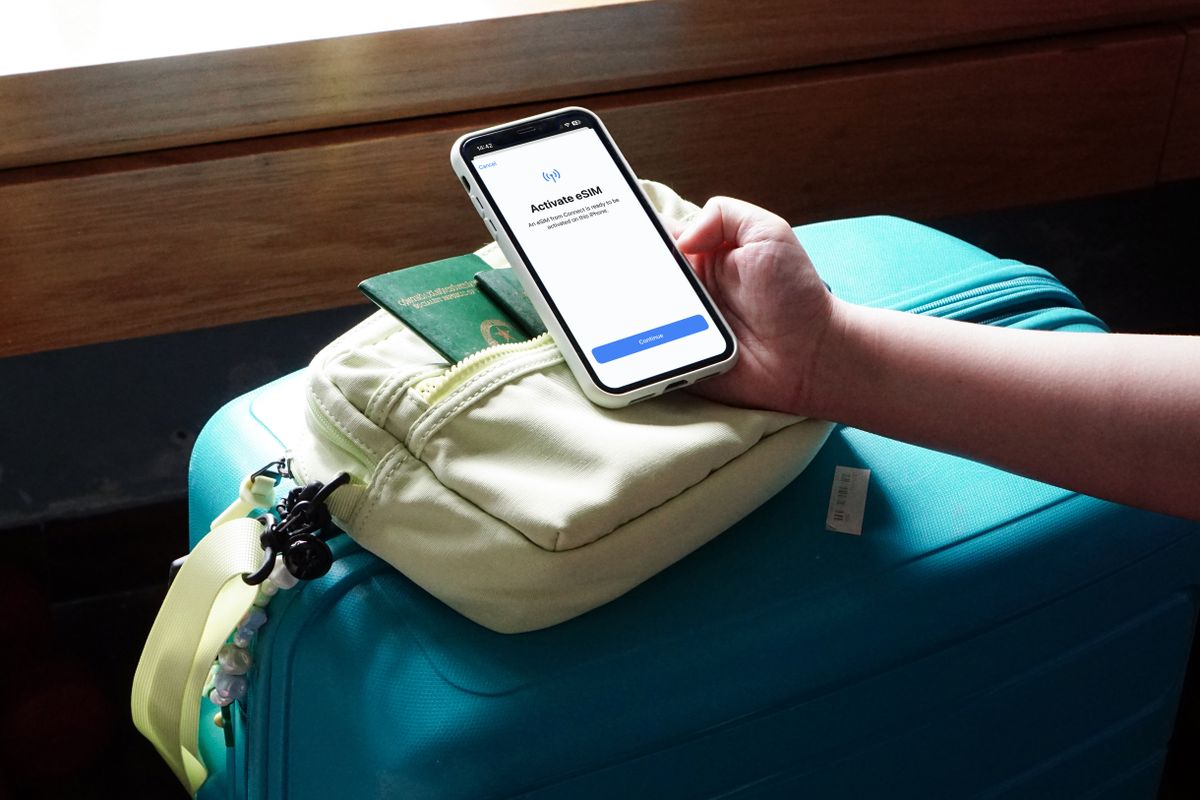
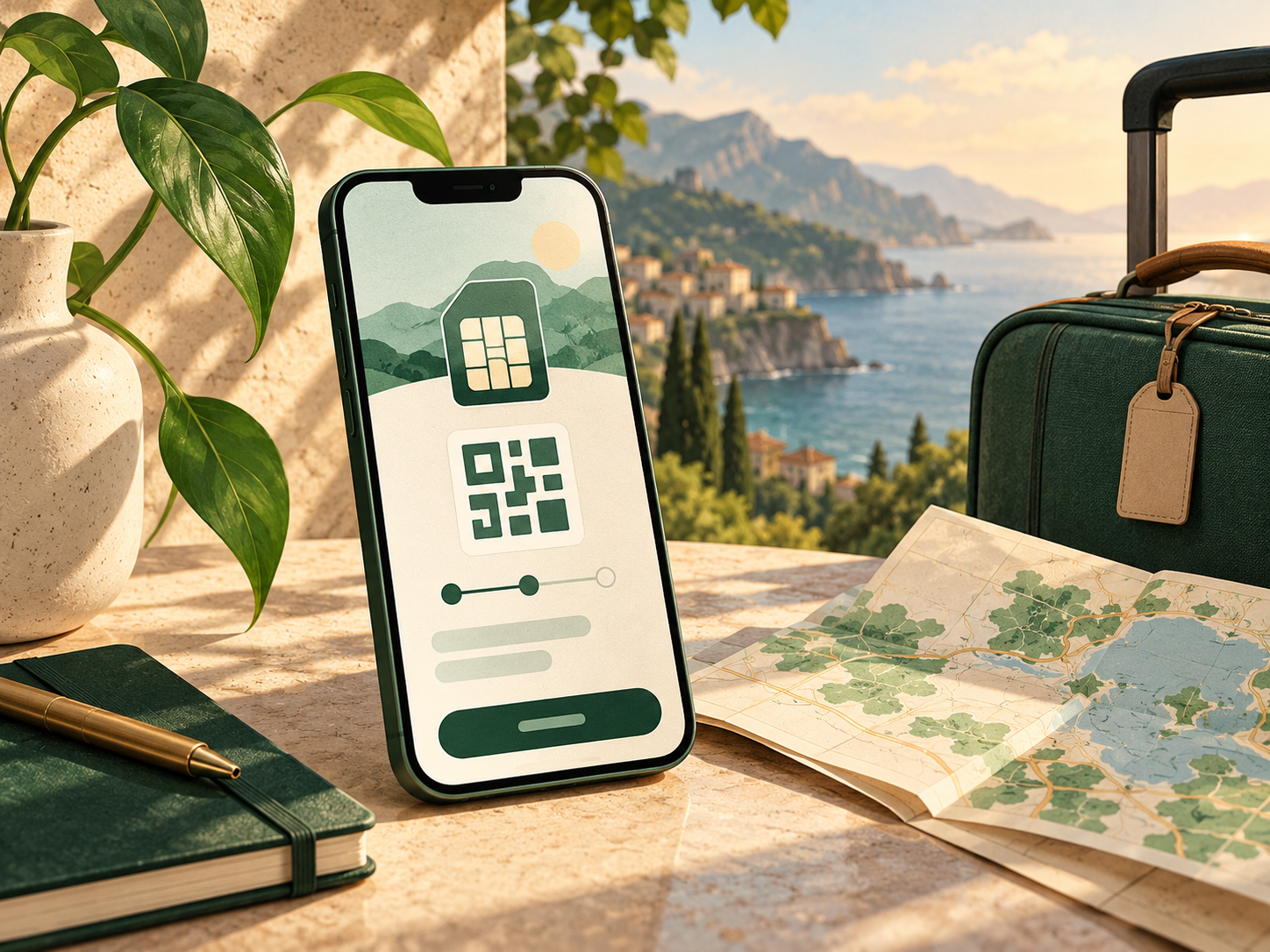
Answer: Install before departure while you have reliable Wi-Fi, but activate the Holafly line when you arrive unless the destination instructions say otherwise. Holafly’s installation guide supports a QR-code or manual path, and its current global flow describes three steps: choose the plan, install from the app or email guide, then turn on the eSIM at arrival.
Before flying
- Buy the exact destination or regional plan and save the confirmation email.
- Install the eSIM using the app, QR code, or manual details while your normal SIM still works.
- Label the line clearly, such as “Holafly Spain” or “Holafly Europe.”
- Keep your primary line selected for calls and messages if you need your regular number.
- Turn off mobile-data switching on iPhone-style dual-SIM setups to avoid accidental roaming.
On arrival
- Turn on the Holafly line and select it for mobile data.
- Enable data roaming only for the Holafly line if the official instructions require it.
- Leave the primary line’s data roaming off unless your carrier confirms it is included.
- Test a map, a message, and one browser page before leaving the airport.

How good are coverage, speed, and hotspot terms?
Answer: Holafly performance depends on destination network partners, local signal, plan terms, device, and network management. The official destination page is the evidence to use for your route. Treat “unlimited data” as permission to use data without a fixed quota, not as a promise of unlimited high-speed tethering or identical performance in every town.
Coverage
Check every country and region in a multi-country route. A regional plan may cover more than one country, but border crossings, islands, rural areas, and offshore transport can still have gaps. Download offline maps and keep the accommodation address available without data.
Speed and fair use
Holafly’s official unlimited-data FAQ says a local network operator may temporarily reduce speed under a Fair Usage Policy, in rare cases for no more than one day. That is an important caveat for video calls, uploads, and large downloads. If fast work is essential, keep a second connection or a venue with reliable Wi-Fi.
Hotspot
Do not assume “unlimited” means unlimited hotspot. Holafly’s destination pages commonly state a shareable allowance, such as 1 GB per day, while its monthly plans describe hotspot access separately. Verify the exact plan, number of connected devices, and daily limit before planning remote work or group travel around it.
How does Holafly help vegan travel?
Answer: For vegan travelers, the main benefit is reliable access to information: maps, translation, restaurant menus, opening hours, ticket QR codes, transport notices, and messages to accommodation. The eSIM does not verify a restaurant or make a menu vegan; it simply reduces the chance that a connectivity gap turns a food question into a missed meal.
Use the connection to check the current menu, ask about dairy, egg, honey, fish sauce, meat stock, shared grills, sauces, and cross-contact, and save the answer offline. Keep a shelf-stable snack or grocery plan because even strong data cannot solve a closed kitchen, a dead phone battery, or a remote transfer.
Pair the eSIM with the Vegan Journey Map food guides, the vegan restaurant-finding guide, and the vegan travel-planning guide.
What are the refund and support caveats?
Answer: Read the refund policy before installing or activating the eSIM. Holafly’s published pages describe refund routes for changed plans, incompatible or locked devices, and certain connection issues, but conditions apply and the remedy may be full or partial. Save the order email, screenshots, device details, and support conversation before requesting help.
- Check whether the purchase is unused, installed, activated, or already consuming data.
- Keep the QR code and order number private but accessible to you.
- Contact Holafly support through the official channel when the issue begins.
- Do not delete the eSIM before checking whether support needs diagnostic information.
- Read the destination-specific terms and the full refund policy, not only a banner claim.
The official homepage says approved refunds can take 3–5 business days. That is a processing estimate, not a guarantee for every case or payment method.
What should you do if the eSIM does not work?
Answer: Troubleshoot in a fixed order so you do not accidentally burn the plan or your home-carrier data. First confirm the Holafly line is selected for mobile data, the destination is covered, data roaming is enabled for that line if required, and the phone has signal. Then restart, toggle airplane mode, and contact official support with screenshots and the order number.
| Problem | First checks | Keep ready |
|---|---|---|
| No signal | Line selected, roaming setting, destination coverage, restart | Order email and screenshots |
| Slow data | Local signal, fair-use notice, background downloads | Wi-Fi alternative and offline maps |
| Home SIM charges | Primary data roaming and automatic switching | Carrier settings and billing contact |
| Installation fails | Unlocked device, compatible model, QR/manual path | Support chat and refund policy |
Do not delete the Holafly profile while troubleshooting unless support tells you to. Keep the primary SIM available for emergency calls where local rules and network access allow it, and retain offline accommodation and transport details.
Frequently asked questions
Answer: Holafly is a data-first travel eSIM. Its convenience is strongest when you need maps and messaging across one or more destinations, while its main caveats are device compatibility, destination coverage, fair-use speed management, hotspot limits, phone-number expectations, and refund conditions.
Does Holafly really offer unlimited data?
Most Holafly destination plans are marketed as unlimited data, but Holafly says network operators may temporarily reduce speed under a Fair Usage Policy. Check the exact destination page before purchase.
Is Holafly hotspot unlimited?
Do not assume it is. Destination pages may specify a daily shareable allowance, while monthly plans describe hotspot access separately. Verify the plan’s exact hotspot terms.
Can I keep my normal phone number?
Usually you can keep your primary SIM active for calls and messages while selecting Holafly for mobile data, but roaming charges can apply. Turn off data roaming and automatic data switching on the primary line unless your carrier confirms coverage.
When should I install Holafly?
Install before departure on reliable Wi-Fi, then activate the Holafly line at arrival according to the destination instructions. Save the QR code or manual details offline.
What if my phone is locked?
A carrier-locked phone may not accept a travel eSIM. Confirm unlock status before buying and read the refund policy if compatibility is uncertain.
Key takeaways
Answer: Holafly is best understood as a convenient data layer, not a complete travel communications system. Verify the exact plan, unlocked device, activation steps, coverage, hotspot allowance, fair-use wording, phone-number limits, and refund policy. For vegan travel, pair the connection with offline food backups, maps, bookings, and a charged primary phone.
- Use official destination terms rather than the homepage headline alone.
- Install before flying and activate at arrival.
- Keep primary-line data roaming off unless your carrier includes it.
- Carry offline maps, accommodation details, food backups, and support evidence.
Next step: Check your exact destination and phone model on Holafly’s first-party pages before paying, then save the plan terms and setup guide with your trip notes.
For the rest of the trip, connect this review to the travel-updates checklist, vegan packing guide, travel gear tips, vegan toiletries guide, vegan sunscreen guide, vegan road-trip planning guide, North America food-planning guide, and North America travel guide.
Useful Sources and Verification
Checked 24 October 2026. Holafly plan terms, destination coverage, hotspot rules, fair-use wording, setup instructions, support routes, and refunds can change. Recheck the current first-party page for your destination, device, and purchase date.